



Text to video
Turn a written scene into motion by specifying the subject, action, camera, lighting, timing, and sound.
Create videos and images from prompts or references. Choose a supported model and see the credit cost before you generate.
A vertical city-and-ocean action shot with fast downhill motion, stylized color, and short-form energy.
Use this promptTurn food or product details into a close-up social video with splash motion, texture, and appetizing light.
Use this promptCreate calming vertical nature footage with flowing water, green foliage, flowers, and soft sunlight.
Use this promptAnimate a branded beauty card or package reveal for ads, creator posts, and campaign teasers.
Use this promptA warm lifestyle moment with champagne, ocean light, and cinematic social-video pacing.
Use this promptIndependent multi-model AI platform
Start with a prompt or reference image, choose the available settings, and test the shot before increasing duration or quality.
Create videos and images from prompts or references. Choose a supported model and see the credit cost before you generate.
Describe the video you want to create Wan 2.7
 Kling 3
 Veo 3.1
Multi-model capabilities
Choose a model based on your source material, desired motion, output controls, and budget, then review the available settings before generating.
Turn a written scene into motion by specifying the subject, action, camera, lighting, timing, and sound.
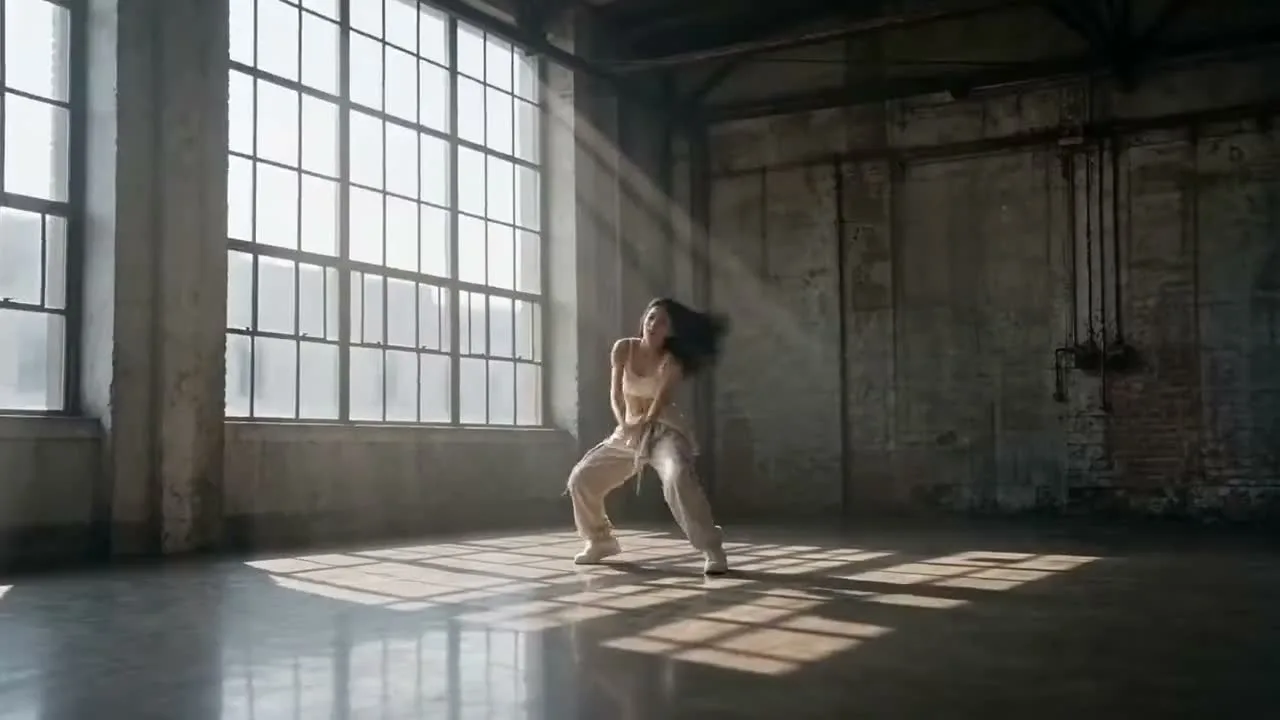
Use a reference image when identity, product details, composition, or art direction should remain recognizable.
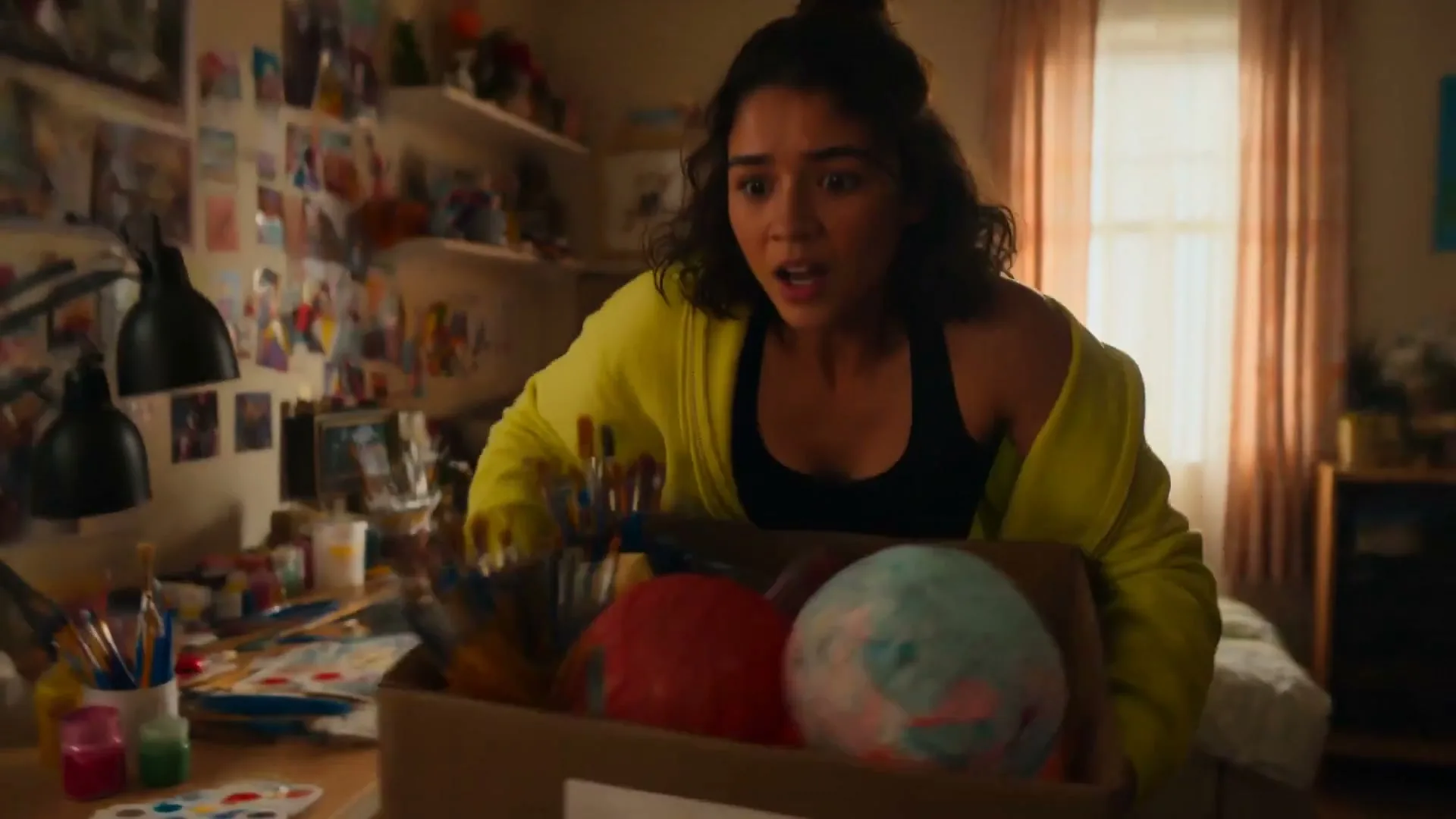
Combine supported image, video, and audio references with text, and state what each asset should control.
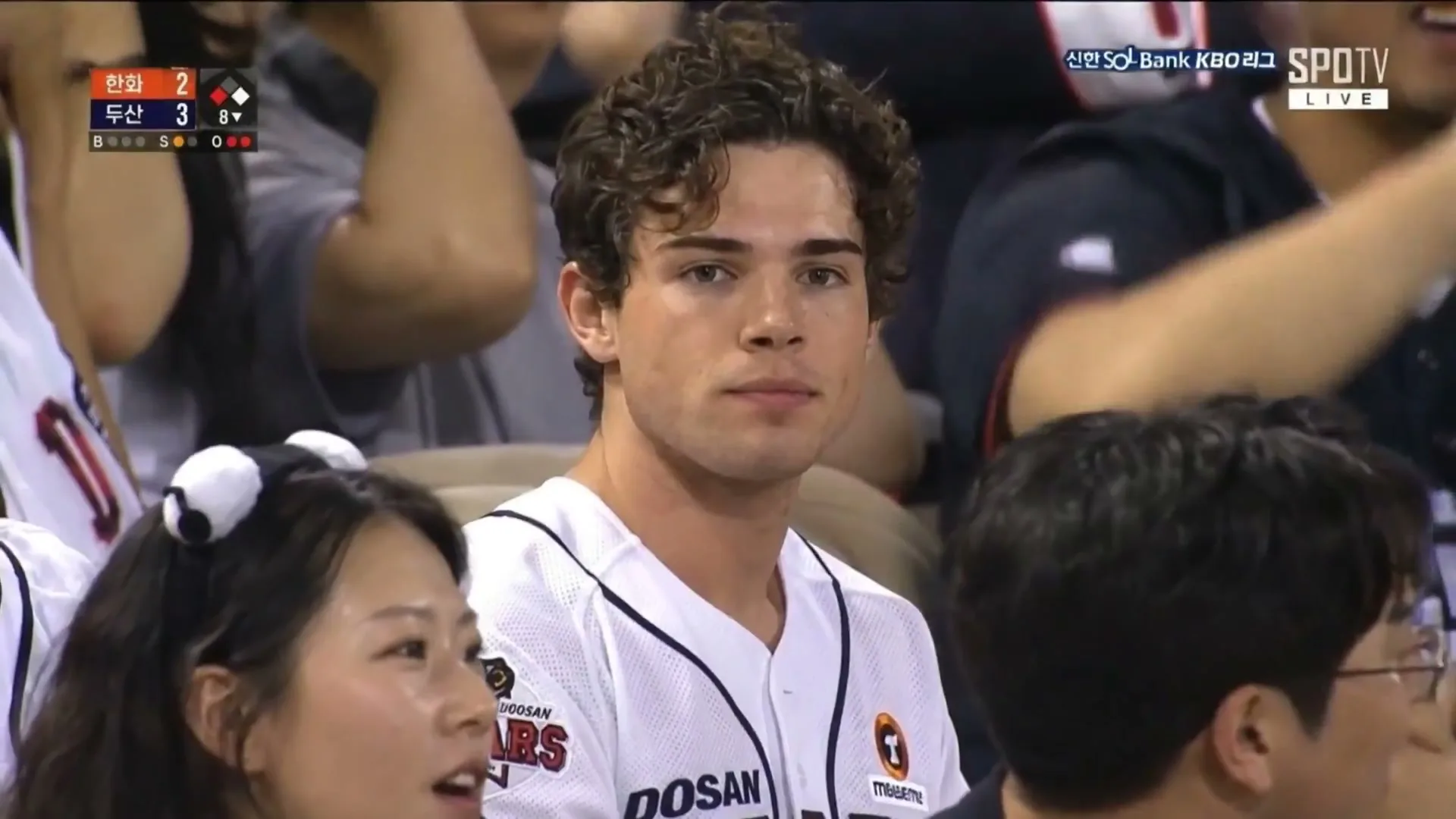
Review the model, input mode, ratio, duration, resolution, audio option, and credit cost before generation.
Examples and prompts
Each example isolates a useful creative decision—subject movement, camera direction, lighting, pacing, or sound—so you can adapt the idea instead of copying generic marketing text.

A text-to-video scene with neon bar lighting, suspended motion, and a snap-triggered return to full celebration.

A product still becomes a polished AI video reveal with a camera push, glow, studio reflections, and commercial-ready motion.

Fast camera moves, playful effects, and a vertical composition turn a simple toy scene into a short-form action sequence.

A cinematic prompt where a daylight city scene freezes into silence, then restores motion with a reverse shockwave.

A surreal AI video reveal over historic architecture, built to demonstrate water, scale, and dramatic camera movement.

A story clip sequence with rapid cuts, close-ups, expressive lighting, and a creator-friendly narrative arc.
FAQs
Answers about supported models, generation workflows, credits, commercial use, privacy, and typical processing time.
Sedance is an independent multi-model AI image and video creation platform. It is not affiliated with or endorsed by any model provider; model names and trademarks belong to their respective owners.
Choose a supported model for the shot, select text-to-video or a compatible reference mode, add a clear prompt and assets, then review duration, resolution, audio, and credit cost before generating.
AI models are trained and configured differently, so motion, prompt following, reference support, duration, resolution, and cost can vary. Check the controls shown for the selected model before generating.
Describe the subject, action, shot order, camera movement, lighting, mood, timing, and sound. When using references, state what each image, video, or audio file should control and what must remain consistent.
New accounts can use any starter credits currently offered to test supported generation modes. This is a limited trial, not unlimited free generation; the cost depends on model, duration, resolution, references, and audio settings.
Commercial use depends on your plan, the selected model's terms, and your rights to prompts and uploaded assets. You remain responsible for lawful use of the final media.
Compare the estimated credit cost shown before generation. Start with a short draft, test the same brief across suitable models, and increase quality or duration only after choosing the best result.
Generation time depends on the selected model, queue load, duration, resolution, and number of reference assets. Start with a short draft to validate the prompt before increasing complexity.
Choose a model, add a prompt or reference, review the settings and credit estimate, then generate in one independent studio.